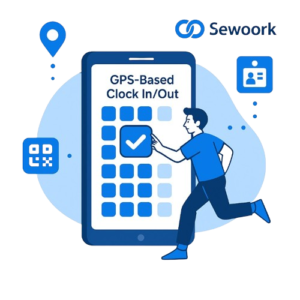
Fast to start
Register, add your office location and invite members. Your team can clock in on the same day.
GPS & QR clock-in, geofenced locations, leave and overtime approvals, and payroll reports — all in one simple app. Start free, no credit card required.
100+ organizations 1,000+ employees managed
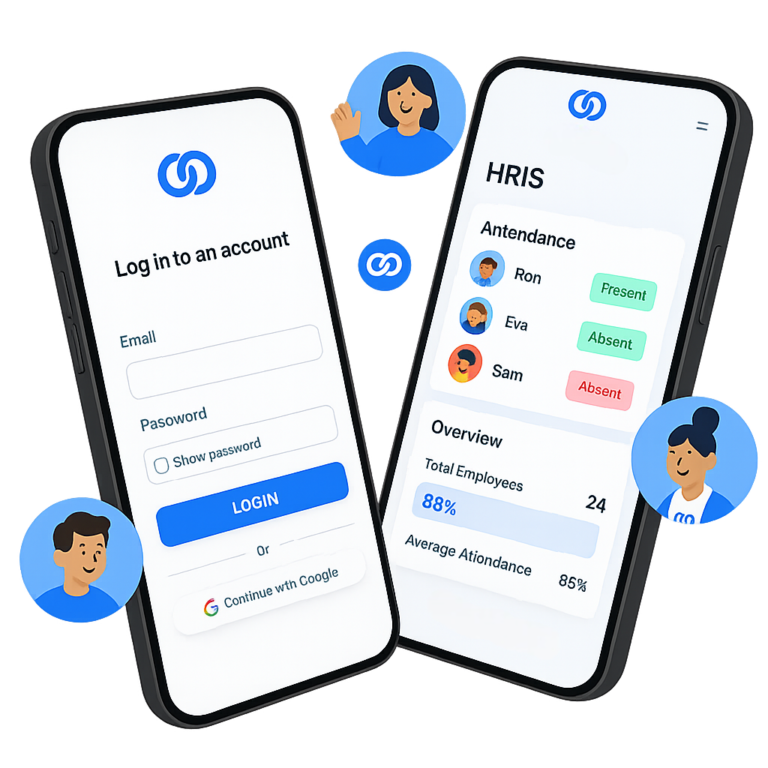
Companies across industries already run their daily attendance and HR on Sewoork.





Your organization could be next. Join them today
Stop chasing spreadsheets, paper timesheets and WhatsApp leave requests. Sewoork puts everything in one place.
Register, add your office location and invite members. Your team can clock in on the same day.
GPS, geofencing and QR codes make sure attendance is recorded at the right place and time.
A generous free plan for small teams and simple per-user pricing as you grow.
Powerful features that make daily people operations easier and faster.
Accurate time tracking with the employee's real-time location.
Make sure employees clock in only at designated sites.
Quick and secure attendance logging with a single scan.
Simple leave requests with automatic paid-leave balances.
Request, review and approve overtime without paperwork.
Detailed reports of working hours, salary and payslips.
Digital employee ID cards for identification and attendance.
Manage several companies or branches from one account.
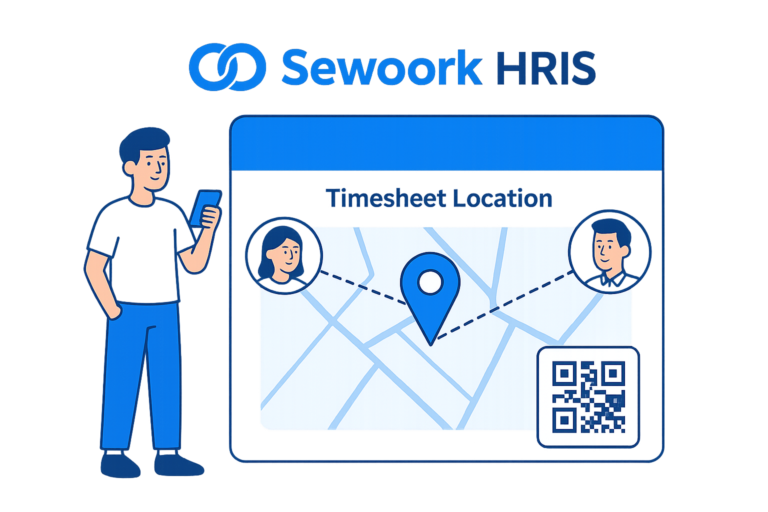
Pin your offices, stores or project sites on the map, generate QR codes, and let members clock in only where it matters — for free.

Creating payroll and attendance reports no longer eats your time. Export clean reports and payslips whenever you need them.
Create a free account and fill in your organization profile in a few minutes.
Set your work sites, schedules and invite employees by email.
Your team clocks in from the app; you approve requests and pull reports.
Start with a plan that fits your needs, or get started for free.
For small teams getting started.
$0 / user / month
Start for freeFor growing teams that want more control.
$1.25 / user / month
Get startedFor organizations with many sites.
$2.20 / user / month
Get startedYes. The Free plan costs $0 and includes GPS clock in/out, QR check-in, leave and overtime approval, payroll reporting and multi-company management. You can upgrade anytime when you need more geofenced areas, QR ID cards or an ad-free experience.
Employees clock in from the Sewoork mobile app. The app records their location and time, and with geofencing you can restrict clock-in to the work sites you define.
Employees use the Sewoork app on Android and iOS. Admins manage the organization from the web console at app.sewoork.com.
Yes. Multi-company management lets you oversee several companies or branches from a single account.
Most organizations are ready in under 5 minutes: register, add a work location, and invite your members.
Your data is transmitted over encrypted connections and access is limited by roles, so employees only see what they should.
Join organizations that already track attendance, approvals and payroll with Sewoork. It's free to start.
Or download the app